

RC-IP300
RC-IP300
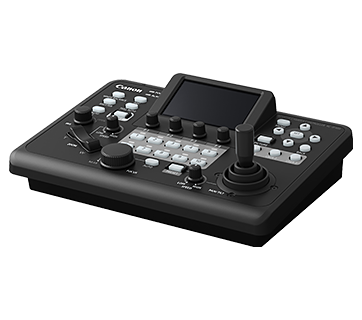
RC-IP300
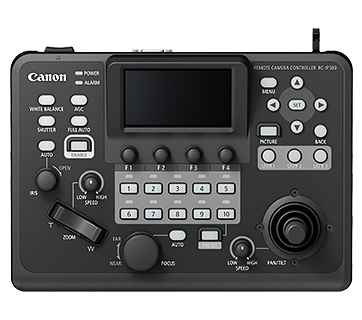
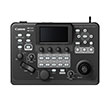
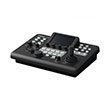
A compact remote camera controller that prioritises intuitive controls for production site that value lightweight and space-saving control solutions. Most ideal for small studios, auditoriums, conference rooms and lecture halls.
Promotion
Key Features
Design/interface
Compact and lightweight body
We made it much smaller for easier installation or placement
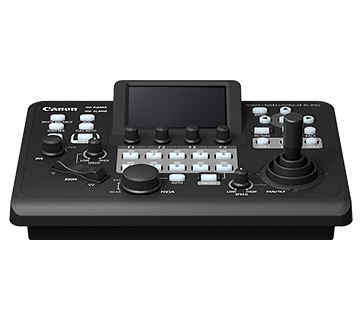
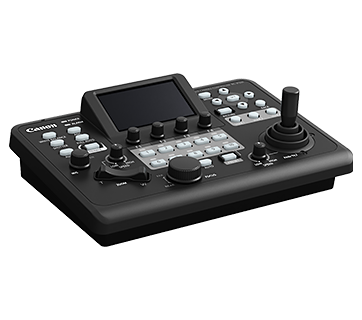
The width has been reduced for a more compact, lightweight body. This makes installation easier in limited spaces and works well in both built-in and tabletop settings.
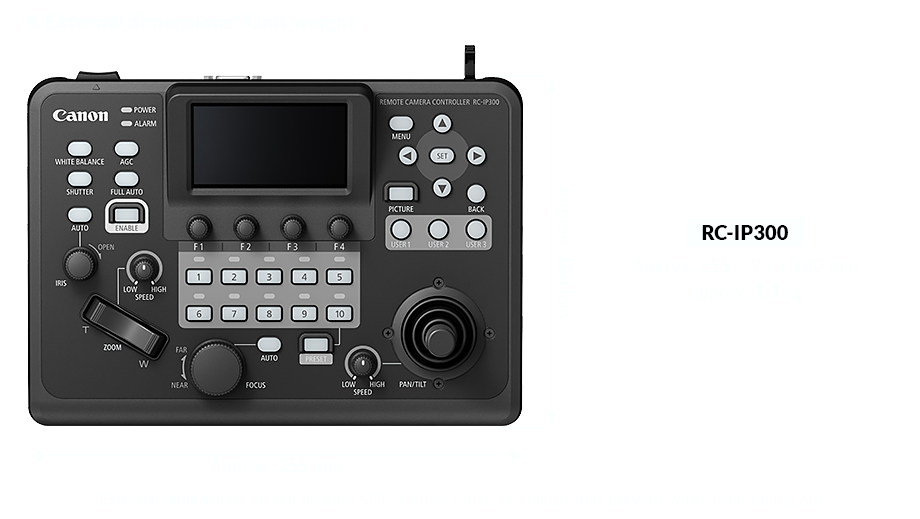
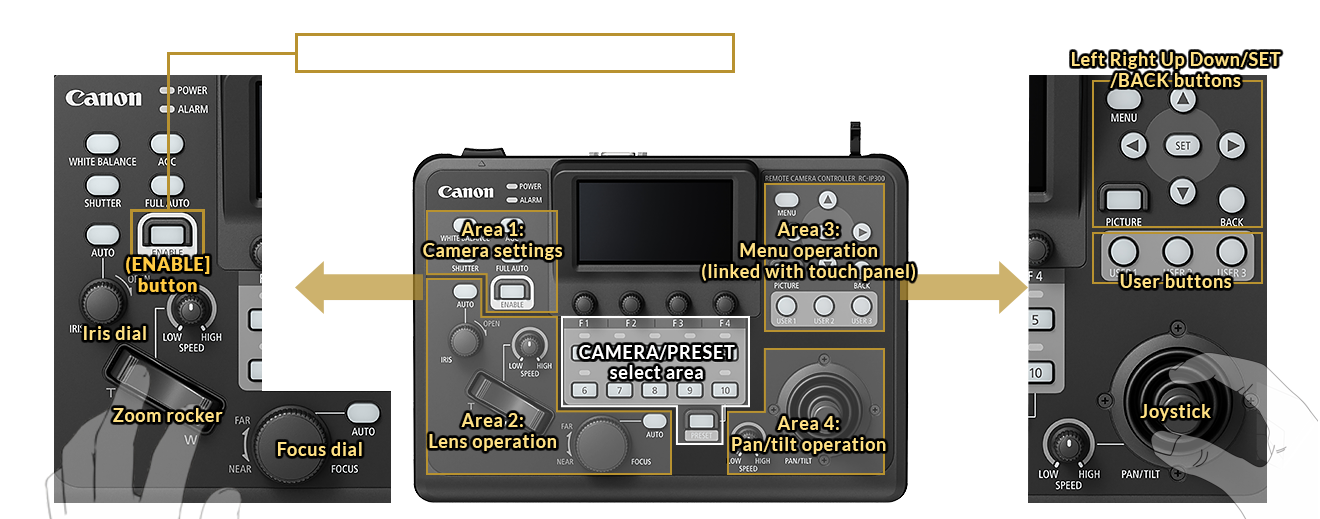
Intuitive controls enabled by full-featured control panel
Provides intuitive operation
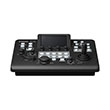
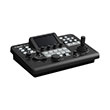
Even with its compact layout, the RC-IP300 offers intuitive control through thoughtfully arranged buttons and dials. With customizable user buttons, your most-used functions are always within reach.
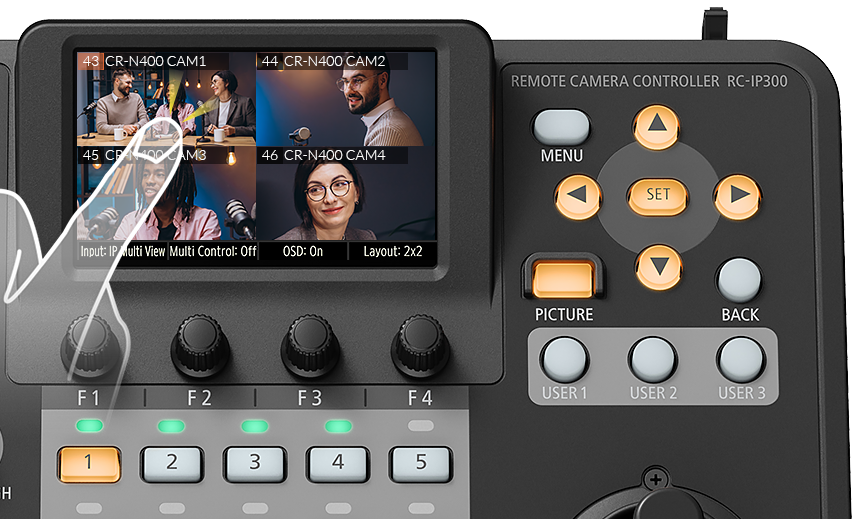
3.5-inch touch panel
3.5-inch touch panel supports video input
The 3.5-inch touch panel enables intuitive operation. In addition to status and menu displays, it also supports live video preview from input sources. Multi-camera display of up to nine feeds makes multi-camera productions become smoother and more efficient.
Enables comprehensive check of important information when operating cameras.
Displays camera/controller settings in an easily visible menu.
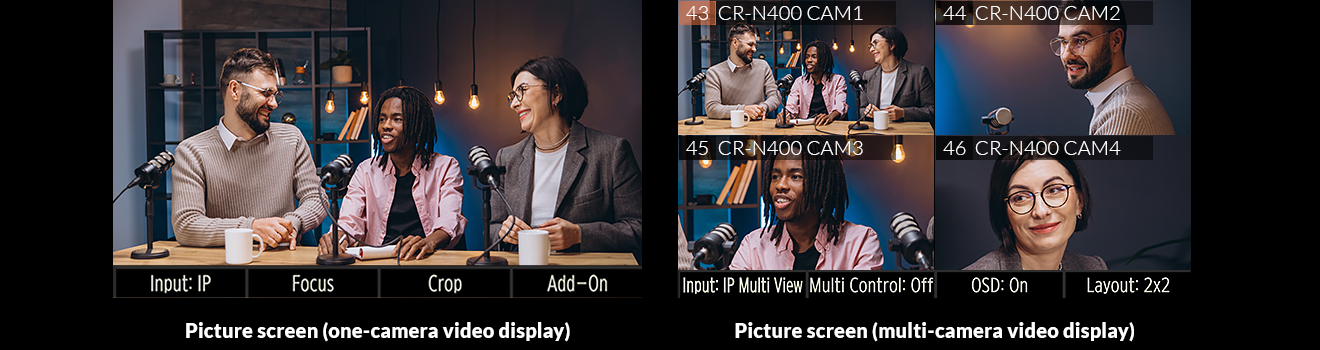
Enables camera control while viewing video feeds and quick access to touch focus and crop area controls.
Wide range of features
Customisable operations
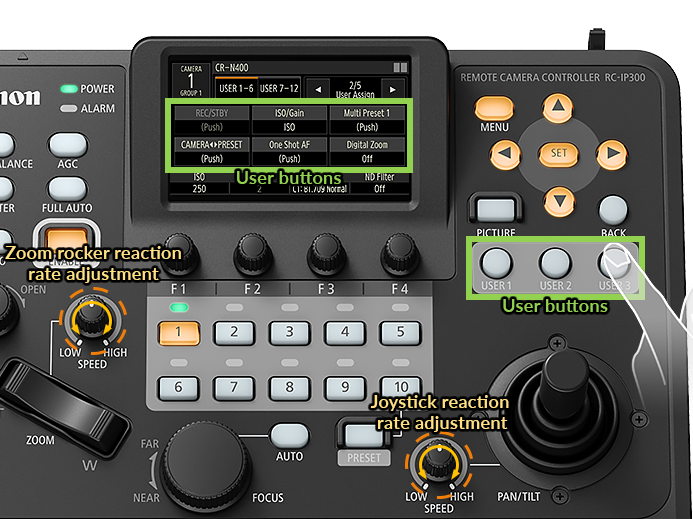
Includes 12 user buttons (button/GUI)
Users can assign desired functions to up to 12 buttons in total, including three physical buttons, three USER 1–6 buttons on the touch panel (including 3 buttons on physical buttons USER 1 to USER 3), and six USER 7–12 buttons on the touch panel. Functions assigned to the touch controls can instantly be called up. Functions assigned to USER 1 to USER 3 can be used directly with the physical buttons USER 1 to USER 3 on the control panel.
Joystick/zoom rocker reaction rate adjustments
Speed dials can be used to adjust each of the joystick and zoom rocker operational response speeds. The joystick's tilt angle and pan/tilt speed relationship can also be adjusted using the P/T curve settings, letting users customise how control feels.
IP video input and multi-camera view display
Multiple display of up to nine feeds from IP-connected cameras
IP video input is supported to enable operation while viewing camera video feeds on the touch panel. The image displayed on the touch panel can also automatically be switched according to the camera for operation, enabling reliable selection of desired cameras even when switching cameras frequently. Video from up to nine cameras can be shown on the panel simultaneously, letting users check video feeds when selecting the camera.

Multi Preset
Recall presets across multiple connected cameras at one go
Control up to 200 cameras at once with ease. Instead of recalling the preset of each camera individually, you can recall preset positions for multiple cameras with the Multi Preset simultaneously, ensuring your entire production is ready to roll in seconds.
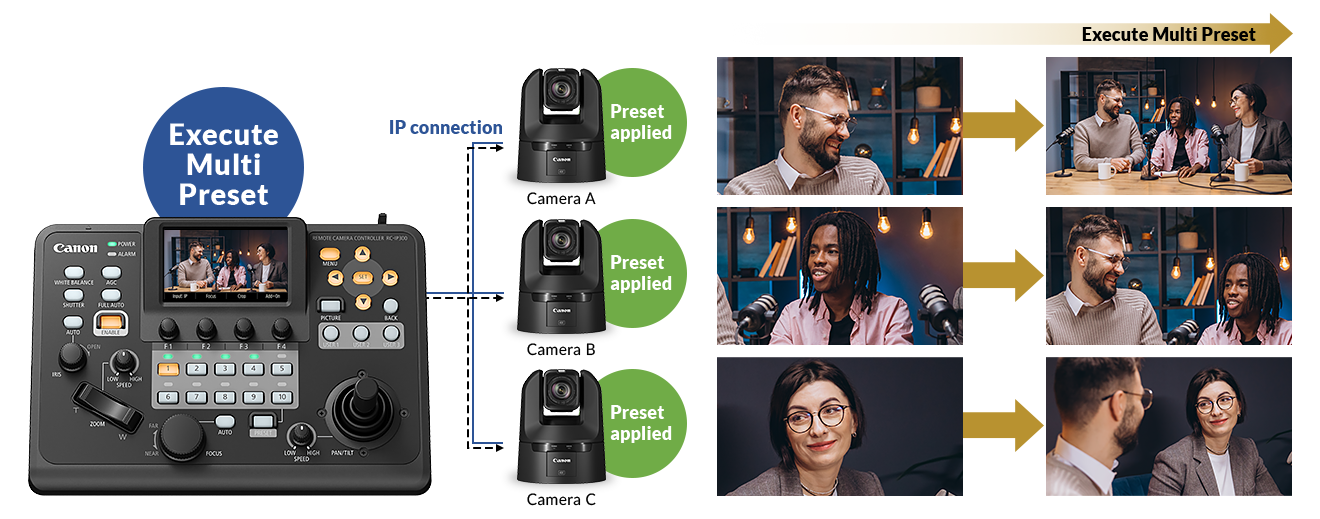
Focus control
Supports touch AF for autofocus control from the touch panel
Support for touch AF using the touch panel enables focusing just by tapping the area for focusing. The AF frames for face detection AF also appear on the touch panel, enabling specification of AF targets with touch.
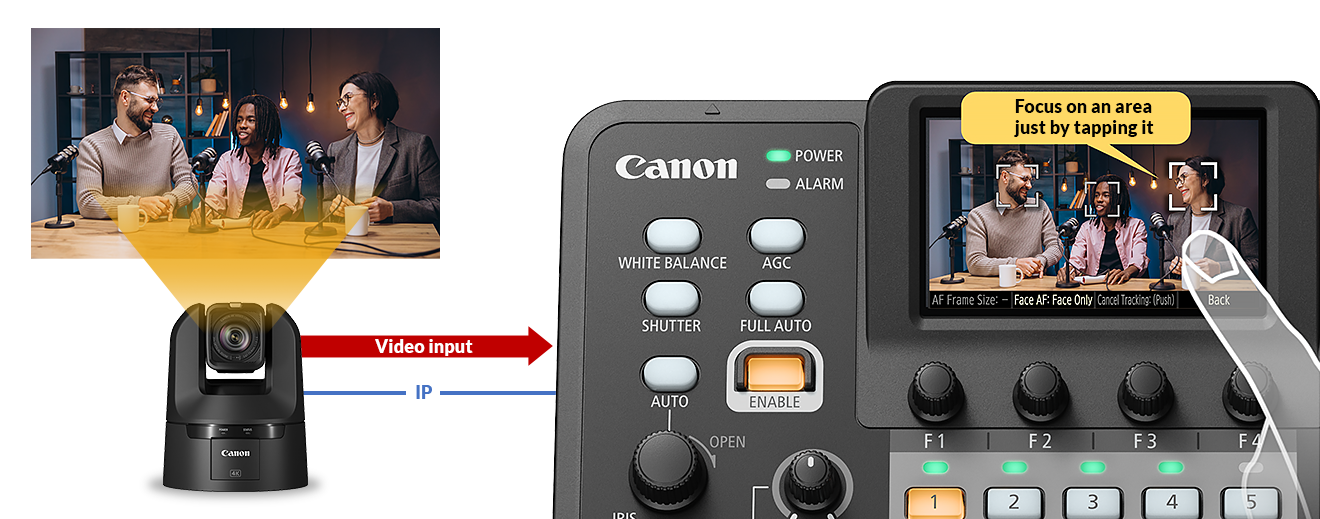
Connectivity & compatibility
Links with add-on applications
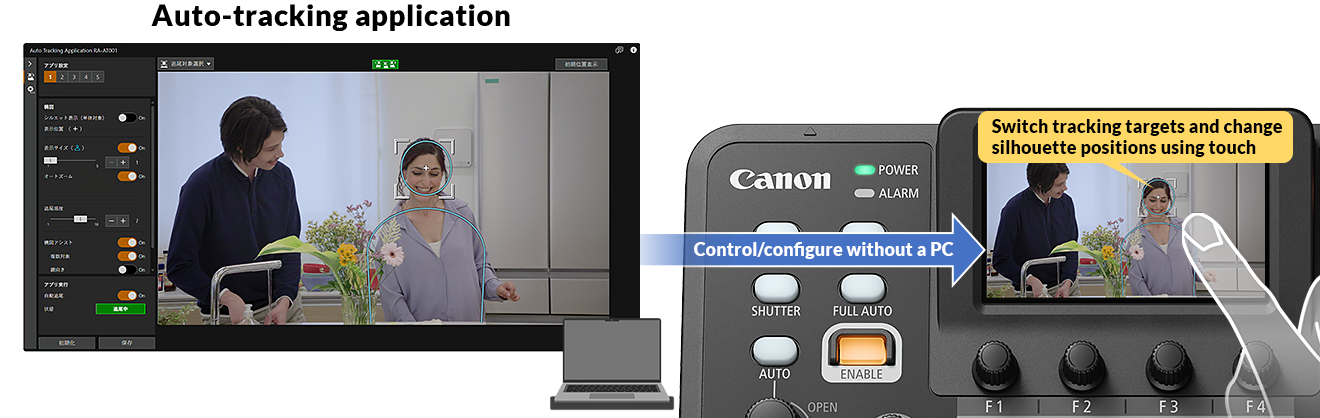
Supports auto-tracking application
The auto-tracking application for each camera can be toggled on and off from the controller. Along with start/stop auto tracking and other basic controls, the touch panel can be used to switch tracking targets, change composition settings, and more. This enables fine-tuning of control and configurations for auto-tracking functions even without a computer.
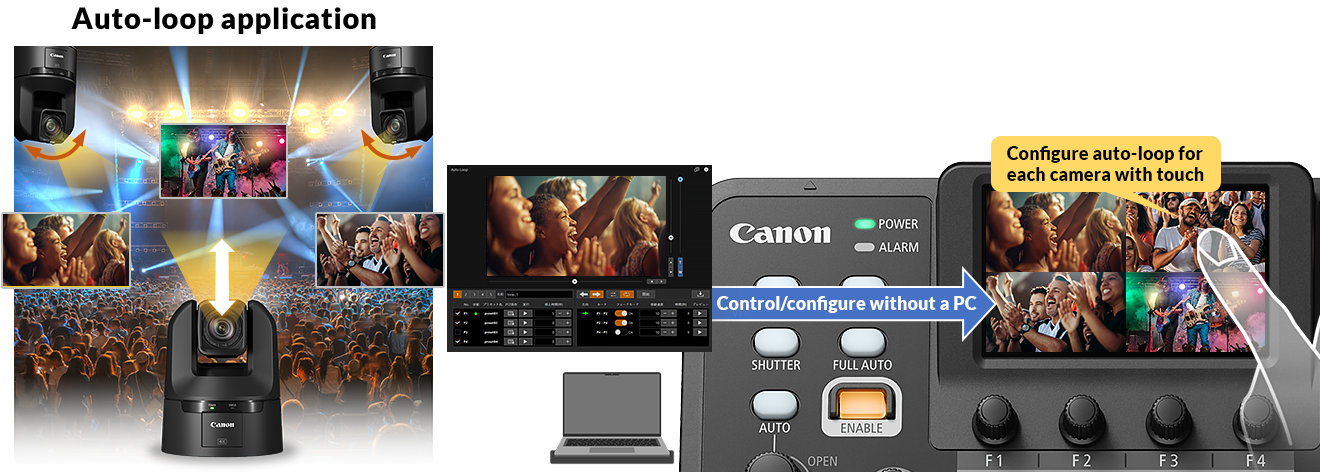
Supports auto-loop application
The auto-loop application for each camera can be toggled on and off from the controller. Along with start/stop auto-loop and other basic controls, the touch panel can be used to configure loop operation, loop direction, and more. This enables fine-tuning of control and configurations for auto-loop functions even without a computer.
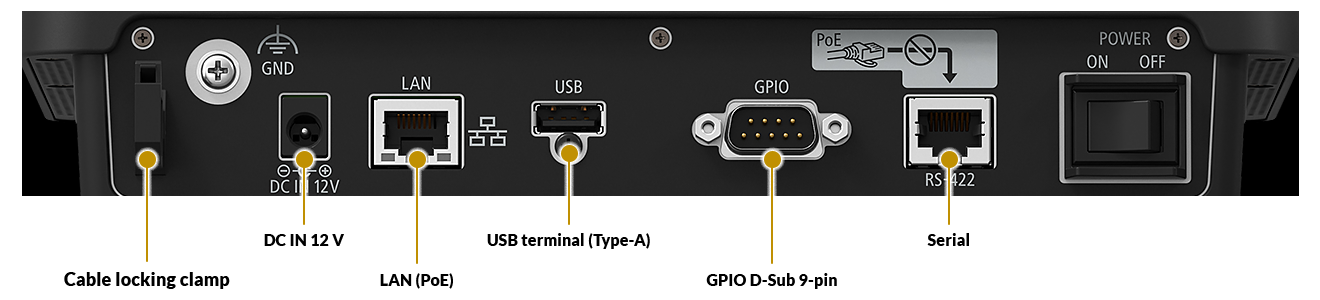
PoE power supply/DC 12 V (AC adapter) power input support
Enables layouts with simpler wiring
Supports PoE, enabling power with a single cable
Supports DC 12 V input via AC adapter
Canon's universal IP protocol: XC protocol
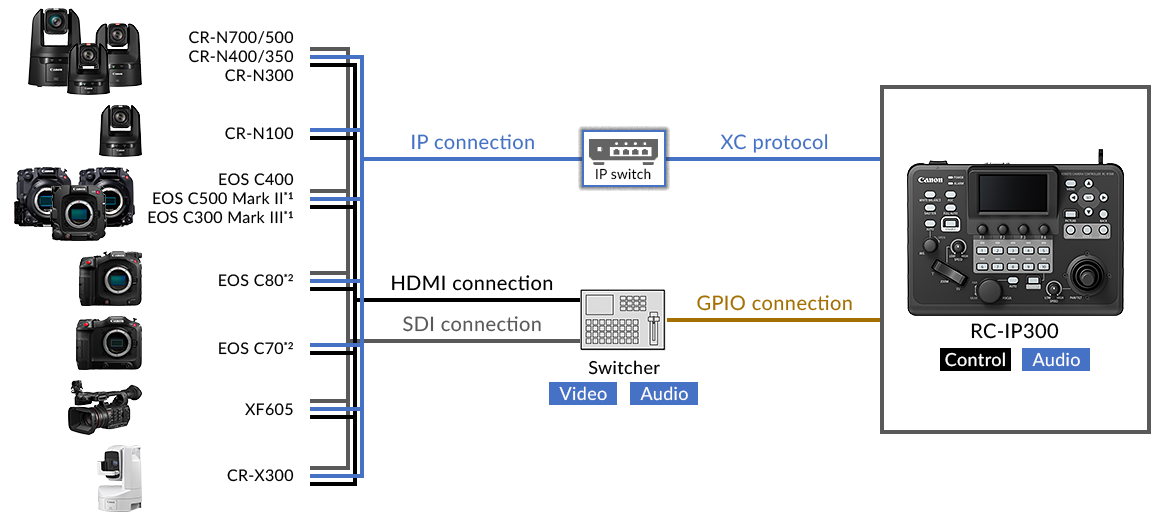
Supports XC Protocol, Canon's shared IP control protocol for video production
Ex. System configuration using XC protocol
In contrast to conventional serial control that connects devices one-to-one, IP enables one-to-many multi camera control. Canon products connected via network can be used with common operations and settings, helping to save labour.
Canon's universal serial protocol: NU protocol
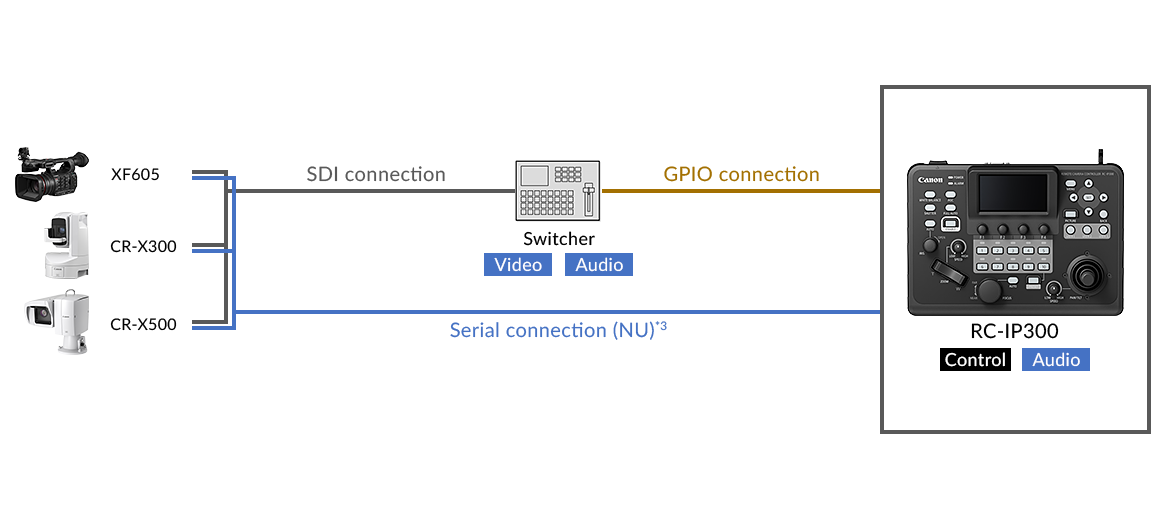
Supports NU Protocol, Canon's shared serial control protocol for video production
Ex. System configuration using NU protocol
This feature allows Canon products connected via serial connection to be used with common operations and settings. One camera can be connected and operated.
*1 LAN cable connection requires optional expansion unit 1 EU-V1/expansion unit 2 EU-V2/expansion unit 3 EU-V3.
*2 LAN cable connection requires an Ethernet adapter.
*3 Serial connection allows connection for only one of these devices.
What's in the box
Controller main unit
AC adapter
Supported PC software
Camera search tool
Multi Camera Management Application (MCMA)
Remote Camera Control Application (RCCA)
Add-on application system
Auto tracking application
Auto loop application
Note: Photos and visuals are simulated images.
Compatible Product

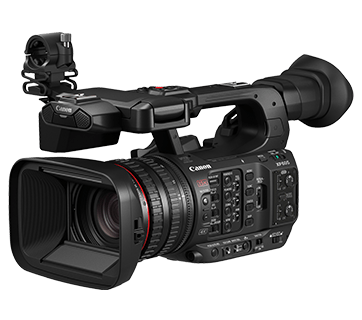
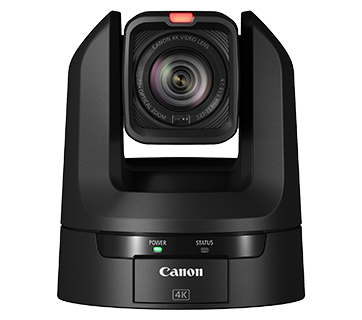
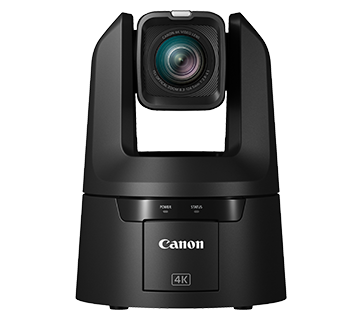
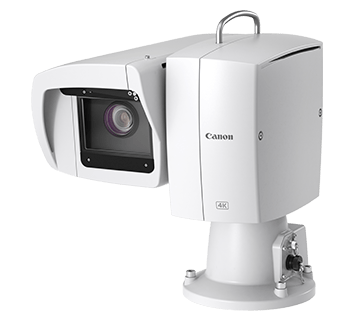
Related Reads
Specifications
Specifications
| General | |
| LCD display | 3.5 inch (88.9 mm) touch panel |
| Supported protocols | XC protocol (IP) NU protocol (serial) Standard communication protocol (serial) |
| Connection | |
| No. of connectible cameras | 200 (IP), 1 (Serial)
|
| No. of camera groups
| 20 (10 units per 1 group)
|
| Terminals
| |
| SDI IN terminal
| - |
| SDI OUT terminal
| - |
| HDMI OUT terminal
| - |
| LAN terminal
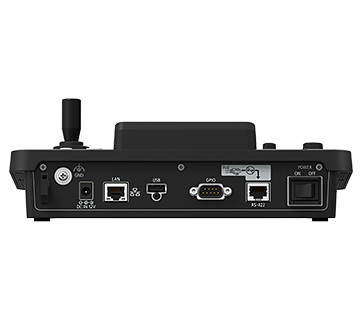
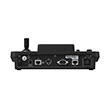
| RJ-45 × 1 (1000BASE-T / PoE)
|
| Serial interface
| RJ45 × 1
|
| Tally/GPIO
| D-sub 9-pin × 1
|
| USB
| USB Type A × 1 (for saving settings data, firmware update, Stream Deck, etc.) |
| Video display on touch panel
| YES (IP)
|
| Memory
| |
| Preset
| Up to 100 for each camera (depends on camera specs)
|
| Trace
| Up to 10 for each camera (depends on camera specs)
|
| Control panel | |
| Menu operation | Yes (touch panel or arrow button and SET/BACK buttons)
|
| No. of user buttons (physical) | 3 (USER 1 to USER 12 can be controlled from the touch panel)
|
| Touch focus from panel
| Yes (IP)
|
| No. of camera selectable buttons
| 10 (usable as preset select)
|
| Others | |
| Operating/storage environment
| Operating Temperature: 0°C - 40°C (+32°F – +104°F) Humidity: 20% – 90% (without condensation) |
| Power supply
| DC IN 12 V terminal – DC input: DC 11.4 to 12.6 V, 1.0 A LAN terminal – LAN connector, PoE power supply supported (IEEE802.3af compliant) |
| Power consumption
| PoE input: 12.4 W (maximum power consumption) DC input: 11.4 W (maximum power consumption) |
| Dimensions (W × H × D)
| Approx. 255 × 93 × 180 mm (excluding protrusions) |
| Weight
| Approx. 1.3 kg
|
| Initial camera settings without PC | Yes |
| Simultaneous multi-camera setup
| Yes |
| Stream deck connectivity
| Selected models only STREAM DECK XL STREAM DECK MK.2 STREAM DECK MINI STREAM DECK PEDAL |
| Assist function
| Waveform monitor, vectorscope, and three types of markers (Area marker, center marker, grid marker) |
| Camera settings copy function
| Yes |
| Focus guide display
| Yes (Manual Focus only) |
| Camera settings OSD
| Yes (in IP only)
|
| Multi-display
| 2 × 2 and 3 × 3 (on the touch panel)
|
| Thumbnail display for preset/trace
| Yes (on the touch panel)
|
Product Disclaimer
- 01. Prices, specifications, availability and terms of offers may change without notice.
- 02. Products / Services may be manufactured by and/or supplied to us by third party manufacturers / suppliers for distribution / resale (non-Canon brand products).
- 03. Prices above are recommended retail price in SGD and may change without prior notice.