




Load Paper
Solution

NOTE
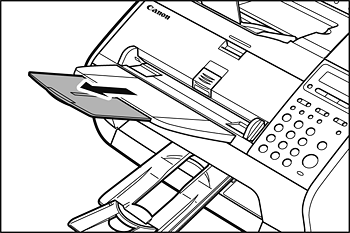
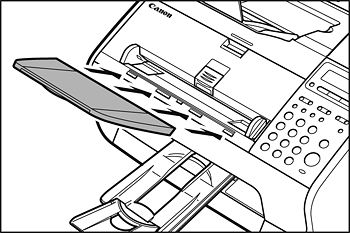
Make sure the back end of the cover does not catch the front paper guide.
NOTE
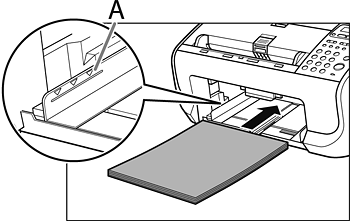
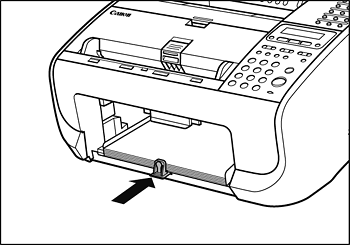
Make sure the stack height does not exceed the limit mark (A).
NOTE
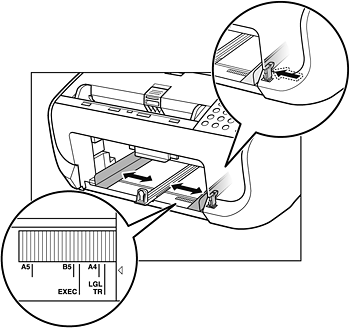
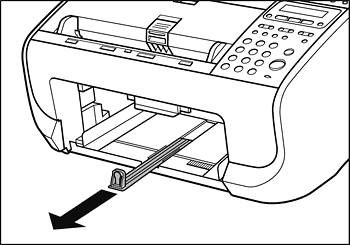
If loading paper shorter than A4, pinch and slide the front paper guide (A) to match the paper size.
If loading paper other than A4, make sure to set the correct paper size in the machine. For details, see Document Requirements and Paper Requirements.


NOTE
Make sure the back end of the cover does not catch and lower the scanning platform (A).
CAUTION
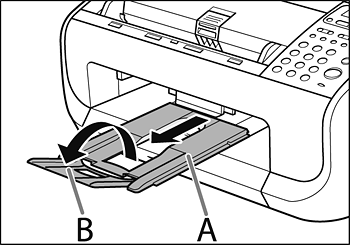
Do not open or close the document delivery tray extension without extending the document delivery tray first.
NOTE
If the document you load falls down from the document feeder, extend the document feeder tray extension.