

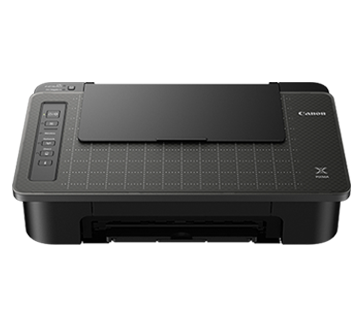
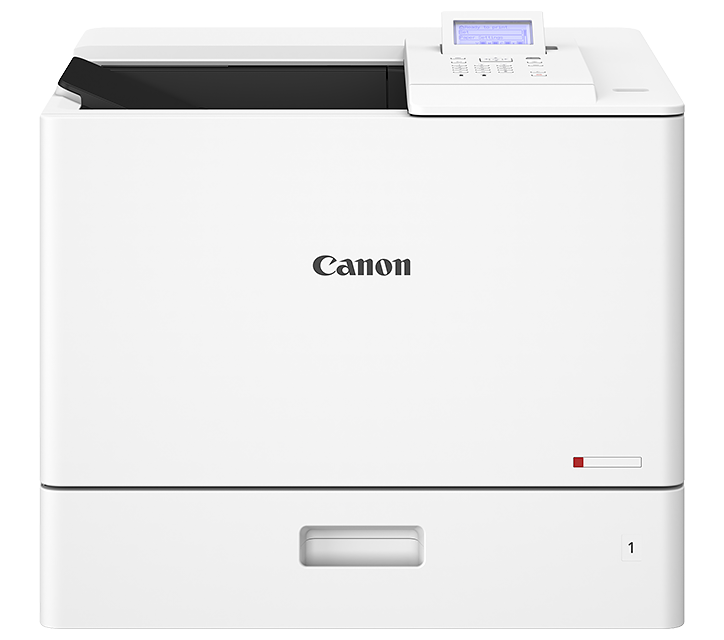





Blank paper comes out from the machine.
Issue
Blank paper comes out from the machine.
Blank paper comes out from the machine.
Cause and Solution
Make sure you remove the seal from the cartridge. For details, see Install Toner Cartridge.
Make sure the toner cartridge is installed properly. For details, see Install Toner Cartridge.
Replace the toner cartridge. For details, see Replacing the Toner Cartridge.
Make sure you load documents that meet the requirements for use. For details, see Document Requirements.