








Basic Camera Care (Cleaning)
Solution
IMPORTANT
Never use cleaners containing organic solvents to clean the camera or screen.
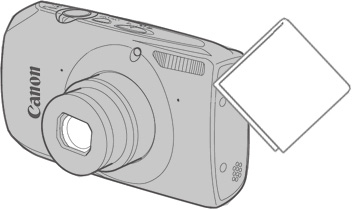
If water droplets or dirt get on the camera, wipe it with a dry soft cloth or eyeglass wiper.
Do not rub hard or apply force.
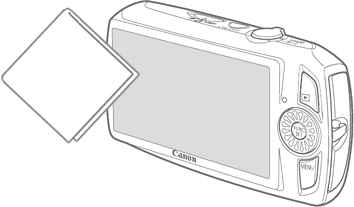
If water droplets or dirt get on the screen, wipe it with a dry soft cloth or eyeglass wiper.
Do not rub hard or apply force.
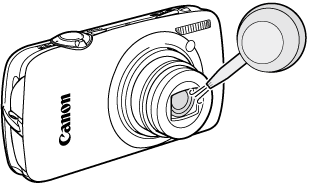
Use a commercially available blower to remove dust from the lens.
For hard-to-remove dirt, contact a Canon Customer Support Help Desk.