





Remote UI
Solution
Follow this procedure for Remote UI management.
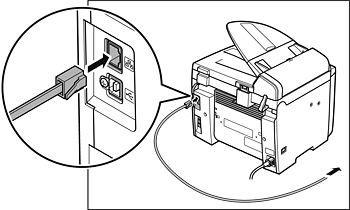
Set up the machine for use in a network, then connect the machine and the PC to your network router or a hub. For details, see Connect the Machine to Network.
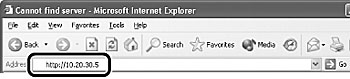
Start the web browser, enter the IP address of the machine, then press [Enter] on the keyboard.
NOTE
For details on how to check the IP address, see Check IP address.
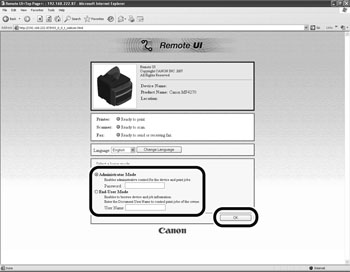
Select the user mode, then click [OK].
NOTE
If no password is set, you can log on without entering a password.
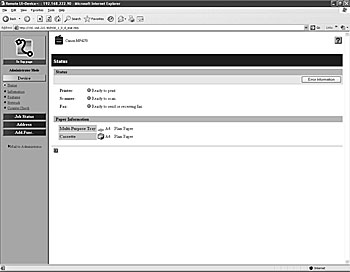
Now you can manage the machine on the web browser.