


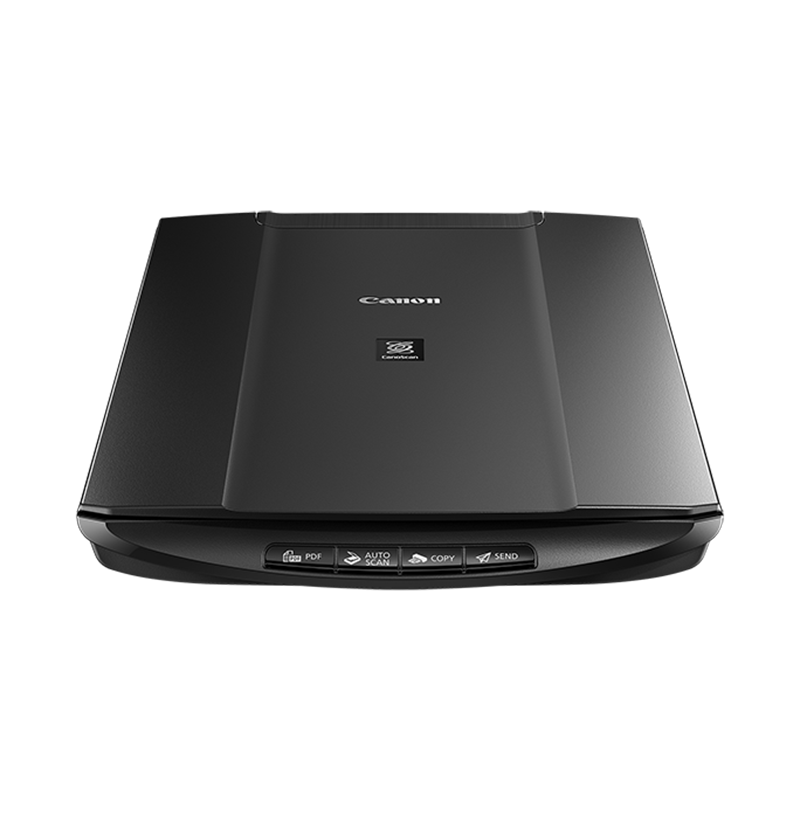

A grinding noise is heard from the scanner and the scan fails.
Issue
An error message appears and the scanner does not work.
Cause and Solution
Disconnect the interface cable from the scanner and release the lock switch completely.
Then reconnect the scanner.
Connecting the scanner to your computer
Make sure that the lock switch is released.
Unlocking the Scanner
If the error message appears even though the lock switch is released, the main unit may not function properly. Contact the store where you purchased the scanner or the service information desk.